Your Best Marketing Content Might Be Sitting in Your Camera Roll
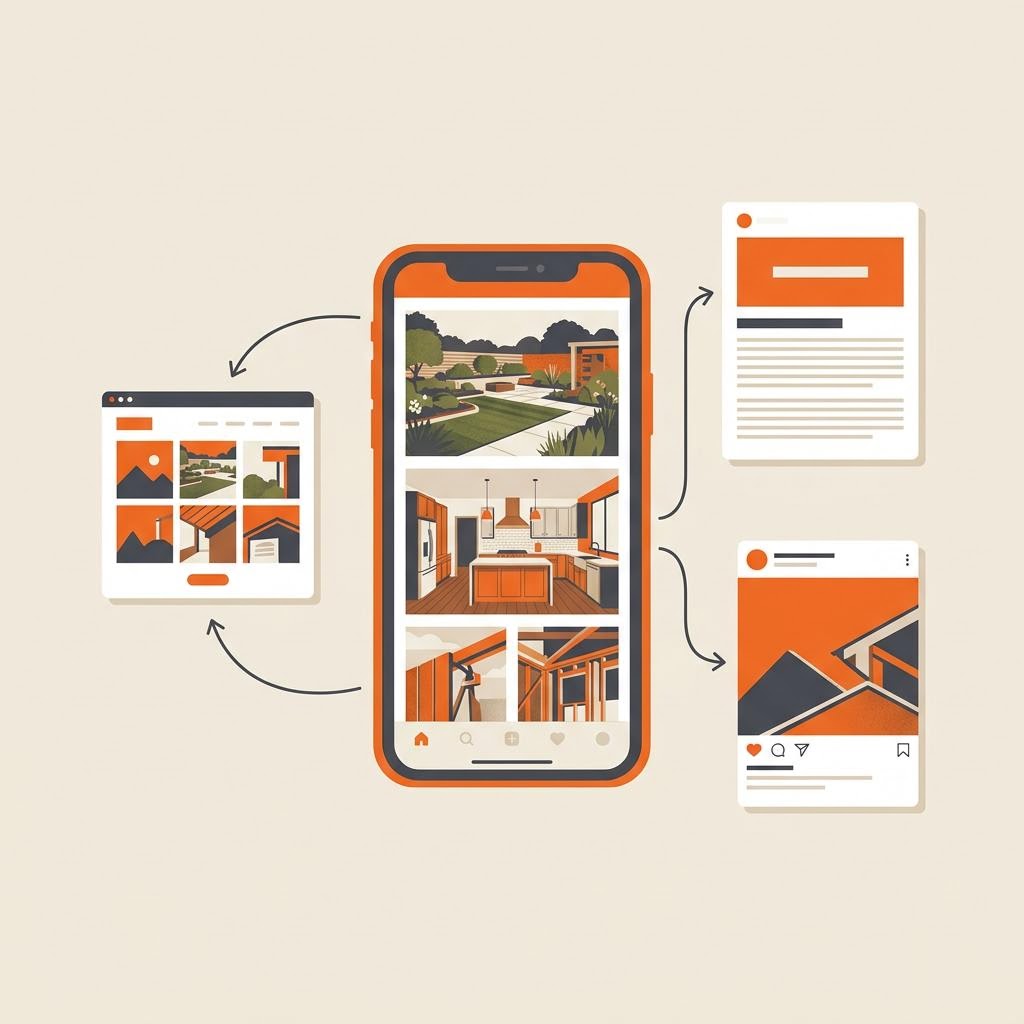
Start with the work you already did
Before you brainstorm another month of content, open the photos on your phone.
There may be a finished installation, a difficult repair, a commercial space ready for its next tenant, or a landscape that finally fits the way a customer uses their yard. Those photos record something a generic marketing article cannot: work your business actually performed.
The opportunity is not simply to post more pictures. It is to explain what they show, why the work mattered, and what a prospective customer can learn from it.
As the year closes, reviewing completed projects is a practical way to build next year's content plan. You do not need a new project for every post. You need a useful story, permission to share it, and enough detail to make it credible.
A photo shows the result. Context explains the value.
A photograph of a finished room tells a visitor what it looks like. It does not explain what the customer needed, which constraints shaped the job, or what your team actually did.
Consider a hypothetical patio project. "Another happy customer" offers very little information. A short explanation of how the team replaced uneven paving, improved the walking surface, and worked around an existing tree gives a future customer something concrete to consider.
Only include details you can verify. If drainage performance has not been assessed, do not claim that the project solved flooding. If the customer has not provided a testimonial, do not write one on their behalf.
Useful project content makes your work understandable. It does not have to make every job sound extraordinary.
Collect a small project record
You do not need to ask the crew to become a content team. Give one person a short checklist to complete at the end of an appropriate job:
- The starting point: What did the customer want to change or accomplish?
- The scope: Which services did your business provide?
- The constraints: What affected the approach, such as access, materials, existing conditions, or scheduling?
- The work: What did your team do, and why?
- The result: What can you accurately describe or show?
- The images: A clear overall view, a useful detail, and a comparable before photo when available.
- Permission: What has the customer authorized you to publish, and where?
Use a shared project folder with a brief written note. Keep customer contact details, contracts, and private documents separate from the folder used for marketing.
Take photos safely and without interrupting work. For before-and-after images, use similar angles and avoid edits that misrepresent the result. A good photo should clarify the work, not make it look like something it was not.
Get permission before you turn a job into a story
Being hired to work on a property does not automatically mean you have permission to publish identifiable photos of it.
Get clear permission for the intended uses, including your website and social accounts. Check any contract restrictions, and confirm that you have the right to use photos taken by a subcontractor or professional photographer.
Look beyond the main subject before publishing. House numbers, faces, vehicle plates, security equipment, paperwork, and computer screens can reveal information the customer did not intend to share. Remove sensitive location metadata where appropriate. Naming the city or general service area is often enough; a street address usually is not necessary.
If permission is uncertain, choose another project. An honest explanation without a customer photo is better than a case study that compromises someone's privacy.
Give the project a permanent home on your website
Start with a portfolio page rather than a social caption.
A useful project page names the service, explains the customer's goal, describes the work, and shows selected images with clear captions. Include the general location when relevant and approved. Finish with a link to the related service page and an obvious way to ask about similar work.
Use a descriptive title such as "Paver Patio Replacement in Jacksonville" only when those details are accurate. "Project 47" does not help a visitor understand what they are about to see.
Write alt text that describes meaningful image content, not a list of keywords. Compress photos for the web and avoid uploading dozens of near-identical images. A few well-chosen views are more useful than an unedited gallery.
Your portfolio should help people evaluate your work. Connecting project pages to relevant service pages also makes it easier for visitors to move from an example to the service they need.
Turn one customer question into an article
The project page documents the job. The blog post should answer a question that other customers have.
For the hypothetical patio project, that might be: "Can uneven pavers be repaired, or do they need to be replaced?" The article could explain the conditions a contractor checks, what affects the scope, and why a site visit may be necessary.
That is more useful than copying the project description into a blog post with a different headline.
Ask the person who performed the work which question came up most often. Good topics often concern preparation, material choices, maintenance, timelines, or the factors that affect price. Avoid turning a single project's cost or schedule into a promise for every customer.
Link the article to the relevant project as an example, and link the project back to the explanation where it helps. This is a practical foundation for blog content that supports lead generation: answer a real question and give readers a sensible next step.
Adapt the story for social, rather than pasting it everywhere
Once the website content is ready, use it as the source for a small set of social posts. Each post should have its own purpose:
- A result post: Show the completed work and explain the main change.
- A detail post: Highlight one decision, material, or part of the process.
- A customer-question post: Answer a common question and point to the fuller explanation.
Choose the image and amount of detail for the channel. An Instagram carousel can explain a sequence visually. A LinkedIn post about commercial work may benefit from more context about the client's operational requirements. A Facebook post can focus on a useful local example.
For Instagram feed posts, do not rely on a pasted URL as the only route to the article. Use an available profile link or a Story link sticker and tell people where to find it.
Keep factual claims consistent across channels, but do not make every caption identical. Nor does every project need to appear on every account.
Where AI can help, and where it cannot
An AI drafting tool can organize approved project notes, suggest an outline, or adapt an approved explanation into shorter captions. It should not fill gaps by inventing materials, outcomes, customer quotes, or technical advice.
Give it verified source material. Have someone who understands the work review the result before anything goes public. Avoid uploading confidential customer information into a tool without checking its data-handling terms and your obligations to the customer.
Clear project explanations also support the broader goal behind GEO: helping AI-powered search tools understand useful information about your business. That is not a guarantee of a citation or recommendation.
Google's guidance on AI search features emphasizes familiar fundamentals, including accessible text, helpful content, internal links, and relevant images. Photos alone are not a substitute for explaining your services and experience in words.
Measure whether the content helps people choose you
Start with practical signals rather than the number of posts produced.
Do people move from a project page to the related service or contact page? Do inquiries mention a project they saw? Are the resulting conversations about work you actually want to take on?
Use tagged links where appropriate to distinguish social referrals, and record what customers tell you about how they found you. Neither analytics nor a single attribution question captures every influence, so review them together.
Reach and engagement can tell you what attracts attention. Qualified inquiries and booked work tell you more about business value.
Make one project your starting point
Choose one completed job with clear photos, useful details, and permission to share it. Write the project page. Answer one related customer question. Adapt the approved material into a few social posts.
Then build a manageable habit: capture the details while the work is fresh, review them with the team, and publish on a schedule you can maintain.
Your camera roll does not need to become a content factory. It can become a better record of what you do and a more useful resource for the next customer deciding whom to call.
Want help turning your completed work into content that supports your website and search visibility? Talk with Lead Native.